The New Front Door
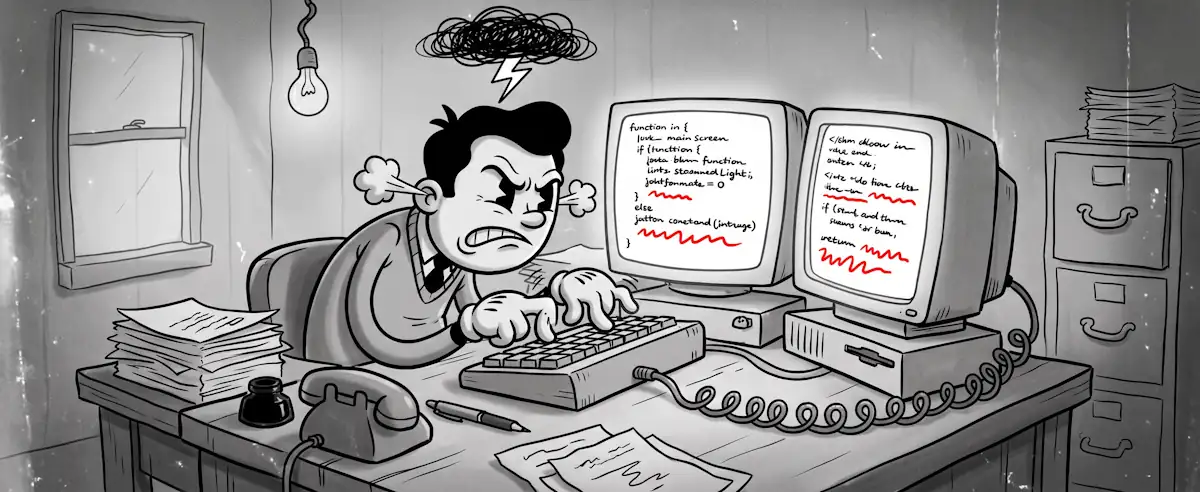
Agents don't click through your UI. Are you designing for both?

This is Part 1 of a three-part series on what changes when agents, not just people, become your product’s clients: The New Front Door · The Governing PM · The Same Discipline, One Layer Deeper
When mobile emerged as a serious product surface, a lot of teams, my own included, responded by making their web app text smaller. It wasn’t laziness; “Mobile” just felt like a variant of what already existed, not a different interface. That misread cost some teams years.
Agents are the next version of that mistake.
The transition from web to mobile required rethinking interaction from scratch. Touch instead of hover. Persistent context instead of long sessions. Teams treating mobile as “the web, but smaller” shipped products that technically worked and practically failed. The teams that asked “how does a mobile user actually behave?” built something different.
AI agents expose the same divergence. Most invoke APIs at machine speed and fail silently when the semantics are ambiguous. If your product wasn’t designed with that in mind, you have a mobile-text-made-smaller problem on your hands.
A Familiar Transition
Each interface transition follows the same arc. An emerging channel starts as a curiosity. The mainstream dismisses it as niche (I can’t tell you how many still see ‘mobile’ as a passing fad… 🙃). Then it becomes the primary way value flows through the product, and teams that didn’t plan for it spend years catching up.
Interface Transitions Follow the Same Arc
Each transition required rethinking the interface, not just adapting the old one
Each prior transition had one saving grace: teams could see the failure. A mobile app crammed onto a 4-inch screen was obviously broken. Navigation that required hover didn’t work on touch, visibly, immediately. Teams got fast feedback that something was wrong.
Agent failures don’t present that way. The API returns a response. The agent parses something. Downstream, a workflow produces a wrong result—or quietly stops. Nobody files a support ticket or opens an error dialog. The failure propagates silently, and by the time someone traces it, the damage is already distributed across whatever that agent was doing on your product’s behalf.
When the User Is a Machine
The design problem in traditional UI/UX is “how do I make this easy for a human to understand?” That’s still a real problem. But it’s not sufficient when agents are interacting with your product before humans see any results.
Two Interface Design Mindsets
Both matter. Most products have only designed for one.
An agent hitting a 200 OK with an empty result set has no fallback. A human might glance at the UI to see if something went wrong. An agent doesn’t have that option. If your API returns {"results": []} without signaling whether that means “nothing matched” or “the query failed,” the agent guesses. When Nordic APIs found that widespread AI adoption hasn’t translated into APIs designed for AI consumption, this is what they’re describing.
Error handling is where the gap shows up most concretely. A human reading a 429 response can infer “try again in a moment” and act accordingly. An agent needs those answers in the contract. Was the original request processed? Is retry safe? An API that returns 429 with a Retry-After header answers both. One that returns a generic message leaves the agent guessing. Some guesses will be wrong, under load, in ways that are hard to reproduce.
Tool scoping for MCP follows the same discipline. The temptation is to build one tool per entity in the data model. get_product, get_order. That gives agents maximum flexibility and minimum guidance. The Cloudflare guidance on MCP design is direct here: “Fewer, well-designed tools often outperform many granular ones.” The better approach asks what workflows agents actually perform, then designs operations around intent: search_products_with_availability, place_order_with_confirmation. Those tools are narrower, but an agent calling them knows exactly what success looks like and what to do when it doesn’t happen.
The Design Checkpoint
I’m currently working on an agent API system for a game engine that will be consumable for those interested to allow automated interaction. I’ve started treating agent-interface fitness as a design checkpoint alongside the usual product reviews: would an agent succeed with this interface? Could it complete the core workflows without any human interpretation at any step? The answer is often surprising and requires rethinking my old mental models.
Documentation is one of them. For most teams, docs happen after the product decision. For agent interfaces, the documentation is the specification. Agents can’t ask clarifying questions. The spec has to carry things it’s never had to before. Whether an operation has side effects. What the agent should do when the response is ambiguous. That’s product work, not a documentation backlog.
The observability picture changes too. When humans use your product, you see session data and support tickets. When agents use it, you see call frequency and error patterns–where things cluster, where things fail quietly. Those signals are different from funnel analytics, and most teams aren’t watching them yet. It’s a version of the operational gap we’ve written about before applied to agent traffic instead of user traffic.
The discipline required to get to “yes” on the checkpoint question tends to surface clarity that improves the human interface too. You end up with a better-specified product either way.
We’re still early in this transition. Probably closer to “mobile is a curiosity” than “mobile is primary” in terms of where agents sit in the adoption curve. That’s the window. Teams that start designing for both interfaces now have runway that the teams catching up later won’t. I truly believe that the accelerated pace of agent adoption will make the gap between “designed for agents” and “not designed for agents” wider than the web-to-mobile gap.
So, if a digital agent tried to use your product today, what would it see?
Continue to Part 2: The Governing PM