The Harness vs. the Interface
Orchestrating agent workflows beyond terminal tabs and chat sidebars
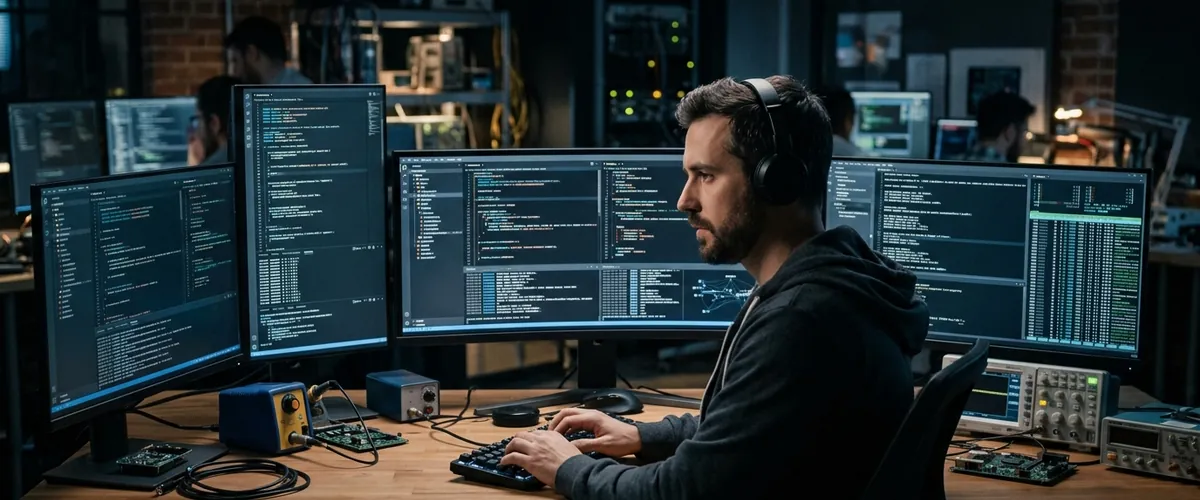
There’s a debate around AI coding tools that revolves around screen real estate. Be it on Reddit, HackerNews, LinkedIn, or your own development team, we’ve argued over whether a developer belonged in a chat sidebar in VS Code, in an interactive terminal session using a CLI/TUI tool, or in some specialized graphical desktop tool.
Each setup shares the same fundamental premise. They treat software development as an ongoing, turn-by-turn chat between a human and a model. You write a prompt, the model streams tokens back, you inspect the diff, and you approve the file write.
That back-and-forth makes sense for small utility functions (or when you genuinely want to enjoy the love that is regex), but when you ask an agent to tackle substantial work, like modernizing an API client across forty files or running a multi-step test suite, the conversation model collapses into window juggling. You end up managing half a dozen terminal windows, switching contexts constantly, and babysitting intermediate tool outputs.
The friction isn’t about choosing between a terminal or an editor window. It comes from coupling the execution engine directly to an interactive chat prompt.
Beyond the Chat Paradigm
In traditional software development, long-running tasks belong in headless background pipelines rather than interactive terminal prompts. You (hopefully) don’t sit at a shell prompt manually typing out compiler flags for half an hour. You hand the job to a build system and inspect the artifacts when it finishes.
Developer tooling for autonomous agents is arriving at that same realization. Real leverage doesn’t come from giving an engineer a faster text box, but from decoupling the execution harness from the display layer entirely. Watching tokens scroll down a terminal at thirty words a second is mesmerizing, but it’s not engineering.
A coding agent harness is an execution runtime. It manages tool discovery, language server integration, file mutation protocols, and local error recovery. Modular harnesses like Omp demonstrate what happens when you strip away conversational theater. By connecting directly to Language Server Protocol (LSP) servers, like Serena, and Debug Adapter Protocol (DAP) backends, the harness evaluates types and runs verification builds without asking a developer to copy-paste compiler errors back into a chat prompt.
A headless harness also makes role-based model routing practical. As I covered in my recent post on purpose-built decision models, using a massive frontier model to grep a repository or parse syntax trees is wasteful. In a modular harness, fast, purpose-trained models handle high-volume tool calls, specialized classifiers score candidate actions, and frontier models step in only when high-level planning or ambiguous architectural decisions demand them.
The Environment as Control Plane
Once you separate the harness from the terminal prompt, a practical problem arises: where does the agent safely make changes?
Running multiple autonomous agents inside the same local working directory is asking for trouble. One agent modifies a configuration file while another is running tests, clobbering uncommitted diffs and corrupting branch state.
This is where Agent Development Environments (ADEs) like Orca prove their value. Instead of forcing developers into a maze of terminal sessions, an ADE acts as an orchestration control plane built on top of isolated Git worktrees.
When you dispatch a task, the environment provisions a clean worktree in its own directory branch. The agent operates in that sandbox, running its tools and verifying its edits against isolated test runners. You monitor progress across several concurrent tasks from a single dashboard, inspecting diffs and logs without worrying that an errant tool call will touch your working branch.
In this model, the developer role evolves from an interactive typist to an engineering air traffic controller. You assign bounded objectives, review finished pull requests, and gate merges based on automated test suites.
Elevating the Craft, Not Decoupling It
One of the loudest complaints about generative AI in engineering is that it decouples developers from the code, turning engineers into passive rubber-stampers who lose touch with the craft.
In an interactive chat loop, that complaint has merit. When you spend your day prompting a bot to write boilerplate and approving lines you barely read, you aren’t really engineering. You’re just an editor for a non-deterministic autocomplete.
Orchestrating headless harnesses across an ADE does the exact opposite. It doesn’t detach you from the code. It elevates you to focusing on the bigger picture: interface boundaries, data integrity, test suite independence, and architectural trade-offs. That is the exact strategic vantage point that senior and principal engineers occupy today.
Developer Leverage Over Time: Chat Tinkering vs. Orchestration Mastery
Mastering orchestration harnesses compresses the gap between junior and principal engineering impact.
In the past, developing that architectural intuition required a decade of grinding through routine tickets and surviving painful outages. Today, junior and associate developers who master this value proposition can operate with that same systems-level clarity years earlier. When the mechanical burden of syntax is automated, the scarce skill becomes judgment.
Practical Shifts for Engineering Teams
If your team is experimenting with agent workflows and finding the experience chaotic, look at how developers spend their time.
When senior engineers spend hours watching tokens scroll across a terminal window, they’re paying an enormous attention tax for modest gains. Moving to an orchestration model means establishing cleaner boundaries:
- Treat coding tasks as background jobs that run against written specifications rather than interactive chat prompts.
- Give agents their own sandboxes using Git worktrees so multiple streams run without file conflicts.
- Route tool calls and syntax checks to lightweight models, reserving frontier reasoning for architecture and verification gates.
- Focus expertise on the gaps and improving the overall quality of the process.
The goal is building reliable software with high leverage. The sooner our tools move past conversational theater, the sooner our teams can focus on shipping durable systems.
Try a simple check on your team this week: count how many terminal tabs your engineers keep open just to watch agents think. If they spend more time managing prompt windows than reviewing clean diffs, it’s time to take the chat out of the loop.